
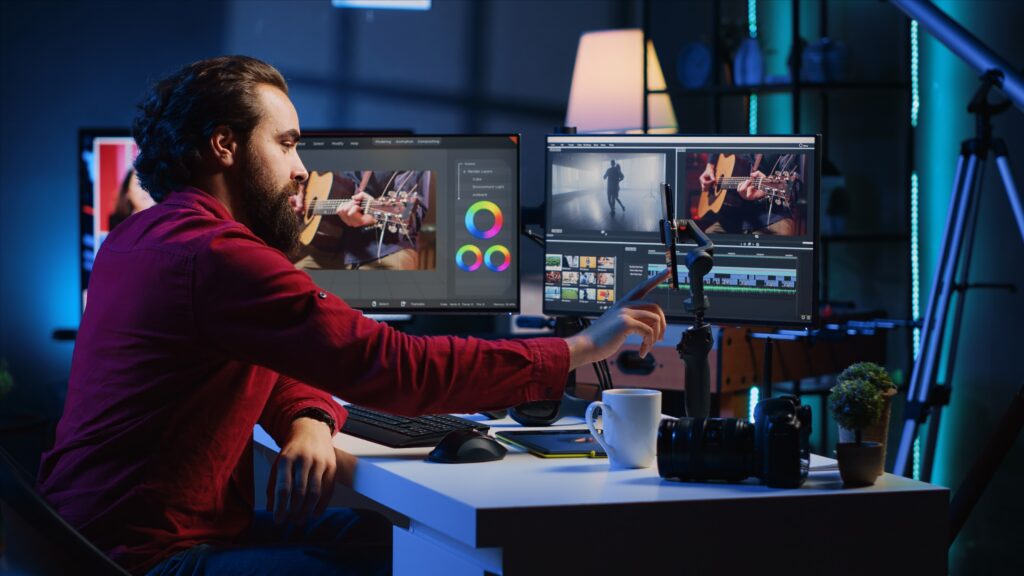
Video editing is one of the most important stages of modern video production. A well-shot video can still lose its impact if the editing is not carefully planned and executed. Professional editing brings together footage, sound, graphics, colour and storytelling to create a finished production that communicates clearly with its audience.
For individuals, businesses and organisations looking to improve their post-production skills, Editing Courses in UK provide an opportunity to learn practical editing techniques and professional workflows. Video Mastery offers specialist editing and visual effects training designed to help learners develop the skills required for modern video production.
Why Learn Video Editing?
Video content is now used across websites, social media, advertising, education, corporate communications and entertainment. As demand for professional video continues to grow, editing skills have become valuable for both creative professionals and businesses producing content in-house.
Learning video editing can help you understand how to:
- Organise and manage video footage
- Build an effective sequence
- Cut footage professionally
- Improve pacing and storytelling
- Edit dialogue and interviews
- Add music and sound effects
- Create titles and graphics
- Apply colour correction and grading
- Use visual effects
- Export videos for different platforms
A professional editing course can provide structured learning and practical experience, helping you move beyond basic editing and develop a more confident production workflow.
What Are Editing Courses in UK?
Editing Courses in UK are training programmes designed to teach the technical and creative aspects of post-production. Courses can range from beginner-level editing skills to advanced professional workflows.
The right course depends on your experience, software, role and production requirements. Some learners may want to understand the fundamentals of video editing, while experienced editors may want to improve their skills with advanced software, visual effects, colour grading or audio.
Video Mastery’s editing training covers a range of professional post-production subjects and can be tailored to the needs of participants and organisations.
Learn Professional Video Editing Software
Modern editors need to be comfortable working with professional editing software. Training can help you understand not only where tools are located, but also how to use them efficiently as part of a complete editing workflow.
Video Mastery’s editing and visual effects training includes courses covering professional software such as Adobe Premiere Pro, DaVinci Resolve, Adobe After Effects and Adobe Audition.
Learning these tools can help you develop skills in areas such as editing, motion graphics, visual effects, audio and colour.
Adobe Premiere Pro Training
Adobe Premiere Pro is widely used for professional video editing and is suitable for a broad range of productions.
Training can help participants understand editing workflows, timeline management, transitions, audio, effects, colour adjustments and exporting.
For businesses producing corporate videos, marketing content, training videos or social media content, developing Premiere Pro skills can make the editing process more efficient.
DaVinci Resolve Training
DaVinci Resolve combines professional video editing with powerful colour correction and grading capabilities. It is widely recognised as a comprehensive post-production platform.
Training in DaVinci Resolve can help learners understand editing workflows while also developing their knowledge of colour and finishing.
This can be particularly useful for filmmakers and video professionals who want greater control over the visual appearance of their productions.
After Effects and Visual Effects
Editing is not always limited to cutting clips together. Modern productions frequently use motion graphics, animated titles, compositing and visual effects.
Adobe After Effects can be used to create sophisticated graphics and visual effects that complement edited footage.
Learning how to combine editing with motion graphics can help content creators produce more engaging corporate videos, promotional campaigns, presentations and online content.
Audio Editing Is Also Important
Sound has a major influence on the quality of a finished video. Poor dialogue levels, unwanted background noise or inconsistent audio can reduce the professionalism of a production.
Professional editing training can therefore include audio workflows alongside video editing.
Adobe Audition, for example, provides tools for editing, mixing and improving audio. Understanding how sound works with visuals can help editors create a more polished final production.
Colour Correction and Colour Grading
Colour plays an important role in the visual identity and mood of a video.
Colour correction helps create consistency between shots, while colour grading can be used to establish a particular visual style.
Professional editing courses can introduce learners to techniques for balancing exposure, adjusting colour and creating a consistent look throughout a production.
These skills are particularly valuable for filmmakers, corporate video producers and content creators who want their finished videos to look more professional.
Editing Training for Businesses
Businesses increasingly create their own video content for marketing, recruitment, training and internal communications. Developing in-house editing skills can give teams greater control over their content.
Instead of depending entirely on external editors for every project, trained employees can handle suitable editing tasks internally.
Video Mastery provides professional video production training that can be adapted to organisational requirements. Training can help teams develop practical skills that are relevant to their own equipment, software and production objectives.
In-House Editing Training
In-house training can be particularly useful when several members of a team need to develop similar skills.
Training can be designed around the organisation’s existing workflow and equipment, allowing participants to work with relevant production examples.
This approach can be valuable for:
- Marketing teams
- Corporate communications departments
- Training teams
- Social media teams
- Production companies
- Educational organisations
- Freelance video professionals
- Content creators
By developing editing capabilities internally, organisations can improve their ability to create and update video content efficiently.
Why Choose Practical Editing Training?
Watching tutorials can introduce you to editing software, but practical training can provide a more structured learning experience.
A professional course can help you understand why particular editing decisions are made, rather than simply showing you which buttons to press.
Practical learning can cover real production scenarios such as editing interviews, managing multiple clips, improving pacing, adding graphics, working with sound and preparing a finished video for delivery.
This combination of technical and creative knowledge can help learners become more confident editors.
Choosing the Right Editing Course
Before choosing an editing course, consider your current experience and what you want to achieve.
Ask yourself:
- Am I a beginner or experienced editor?
- Which editing software do I need to learn?
- Do I need video editing, visual effects or both?
- Do I want to improve colour grading?
- Do I need audio editing skills?
- Am I learning for personal projects or professional work?
- Would in-house training benefit my organisation?
Choosing training that matches your goals can make the learning process more relevant and productive.
Develop Your Video Editing Career
Strong editing skills can open opportunities across filmmaking, corporate video, marketing, advertising, broadcasting, social media and online content production.
Editors need both technical knowledge and creative judgement. Understanding storytelling, pacing, sound, colour and visual communication can help you make better decisions throughout the post-production process.
With the right training, you can develop a workflow that allows you to turn raw footage into engaging, professional video content.
Start Learning with Video Mastery
If you are searching for Editing Courses in UK, Video Mastery’s Editing & Visual Effects Training provides a range of opportunities to develop professional post-production skills.
From editing software and visual effects to audio and colour, the training can help learners build knowledge across important areas of modern video production.
Whether you are an individual looking to improve your editing abilities or an organisation wanting to develop in-house production skills, professional training can provide a structured way to strengthen your post-production workflow.
Explore the editing training available from Video Mastery and choose a course that matches your experience, software requirements and production goals.
Frequently Asked Questions About Editing Courses in UK
- What are Editing Courses in UK?
Editing Courses in UK teach the technical and creative skills needed to edit professional video content. Depending on the course, training can include video editing, audio, colour grading, visual effects and motion graphics.
- Are editing courses suitable for beginners?
Yes. Beginner-friendly editing training can introduce fundamental concepts such as importing footage, creating timelines, making cuts, adding transitions and exporting finished videos.
- Which editing software can I learn?
Video Mastery’s editing training includes professional software such as Adobe Premiere Pro, DaVinci Resolve, Adobe After Effects and Adobe Audition.
- Can I learn video editing for professional work?
Yes. Professional editing training can help you develop practical post-production skills that can be applied to corporate videos, marketing content, social media, films and other productions.
- What is the difference between video editing and visual effects?
Video editing primarily involves arranging and refining footage into a finished sequence. Visual effects can involve creating or modifying elements within footage using techniques such as compositing, motion graphics and effects.
- Is colour grading included in editing training?
Depending on the specific course, colour correction and grading can be included as part of professional post-production training.
- Can businesses arrange in-house editing training?
Yes. In-house training can be a useful option for organisations that want multiple team members to develop video editing skills using their existing production environment.
- Why is audio important in video editing?
Good audio helps make dialogue clear and creates a more professional viewing experience. Editors may need to balance dialogue, music, sound effects and other audio elements during post-production.
- How long does it take to learn video editing?
The time required depends on your previous experience, the software you are learning and the level of editing you want to achieve. Structured professional training can help accelerate the learning process.
- Who can benefit from editing courses?
Filmmakers, content creators, marketers, corporate teams, freelancers, communications professionals and anyone who regularly creates video content can benefit from professional editing training.
- Why choose professional editing training?
Professional training provides structured instruction and can help you learn efficient workflows, technical techniques and creative editing principles instead of relying only on trial and error.
- Where can I find Editing Courses in UK?
Video Mastery offers specialist editing and visual effects training for individuals and organisations seeking to develop professional post-production skills.