
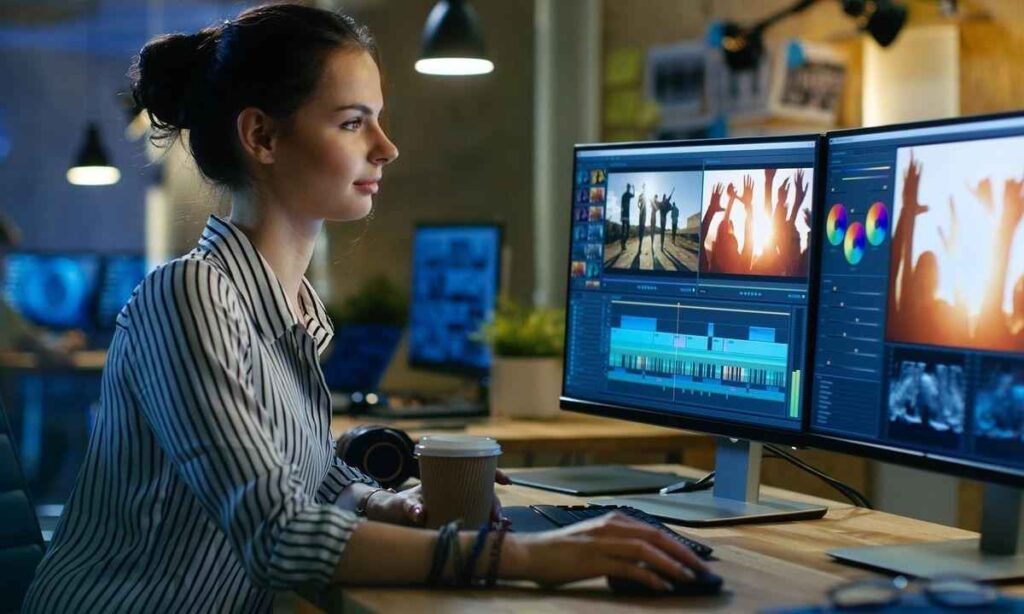
Do you want to create polished narratives from unprocessed footage? When using professional software for the first time, many novices feel bewildered. This explains the growing popularity of Editing Courses in London. Learning is made easy and useful with Video Mastery. Adobe Premiere Pro, DaVinci Resolve, After Effects, and color grading are among the programs you can learn. A BAFTA award-winning editor is among your trainers, who have decades of experience in the field. Lessons are practical, CPD-accredited, and customized to meet your needs. You will learn fundamental methods that actual specialists employ daily in this beginner’s tutorial.
Essential Cutting and Narrative Methods
Editing Courses in London help beginners understand how strong cuts begin with a well-defined goal and support effective storytelling. Each cut should advance the plot. Be able to remove dead space, sync movement through shots, and keep a steady rhythm going. J-cuts and L-cuts make scenes flow smoothly. They let the audio start before the picture or stay a little after it. Computer skills are important, but so are storytelling skills. Story skills need practice too. One-day workshops like The Art of Storytelling and Scripting for the Screen can help.
- Use cutaways to hide jumps and add helpful context.
- Match cuts on movement so the viewer never notices the change
- Let music beats guide your pace when the mood needs energy.
- Keep the opening seconds strong to hold attention early.
Top Programs for Novice Video Editors
Choosing the right software becomes easier when Editing Courses in London introduce beginners to professional editing programs. This is due to the simple design as well as its popularity in the studio—Adobe Premiere Pro. Another good option for editing would be DaVinci Resolve, since it combines sound, color, and cutting in one place. The editing tool you intend to use at work should be compatible with good Editing Training. It is common for beginners to begin with an introductory course before moving on to higher skills. Additionally, some students use After Effects for motion graphics and Audition for audio.
- Compare free trials and learner plans before you commit to one program.
- Use a fast computer with ample storage so large files play smoothly.
- Learn keyboard shortcuts early, because they speed up every task.
- Practice on your own footage, since real projects teach faster than demos.
Color Grading and Fundamentals of Sound
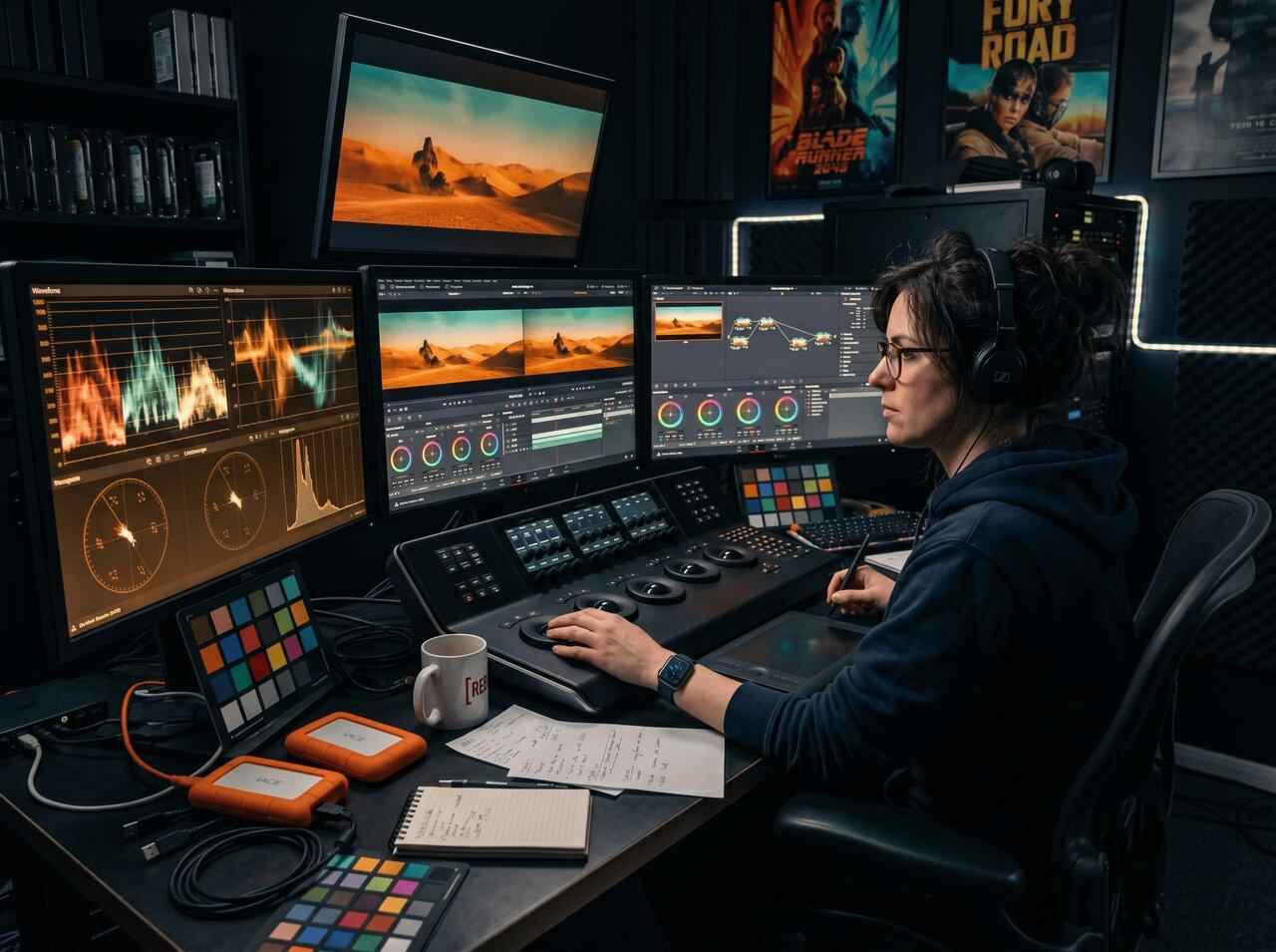
Raw footage becomes a colored film with sound. In order to give skin a natural look, begin with correction, whereby exposure and white balance are fixed. After correction, continue with grading, adding tones and consistency of appearance in each scene. Special classes cover color grading and correction in Adobe Premiere. DaVinci Resolve Studio has similar classes too. Sound needs the same care as visuals. Viewers forgive a soft picture faster than muffled audio. Eliminate background noise, fix volumes, and listen to some soft music when talking.
Practical Instruction with Industry Professionals
Developing confidence comes easier with experiential training rather than viewing training tutorials. Video Mastery courses are practical and led by experienced producers. One of them is a BAFTA award-winning editor. Small groups allow for each individual to get enough attention. Trainers hold a short Zoom call before the course. It helps them understand your skills, equipment, and goals. These factors are considered while creating the content. It is absolutely right to carry out training sessions at your own place. They receive an Excellent rating from Trustpilot and are CPD-accredited. Before even registering, one can arrange for a free personal demo.
Steps Involved in a Professional Editing Process
A proper process will not only protect your project but also save hours. Pre-production and post-production are interrelated processes; therefore, any decent Video Production Course teaches this early on. First, import the video and organize it into folders with labels. Create a preliminary cut that adheres to your script after that. Next, correct audio issues, add titles, and adjust pacing. Apply color work after that, then do one last quality check. Export your file in the right format for your platform. This helps more people see your material.
- Name every file clearly so you can find clips in seconds
- Use proxy files if your computer struggles with heavy footage.
- Add captions to make videos accessible and easier to watch silently.
- Keep a final checklist for sound levels, spelling, and export settings.
Selecting a London Beginner Course
When comparing Editing Courses in London, consider the quality of training, practical experience, and course content rather than location alone. If you live in London, look for nearby classroom days. Also ask whether a provider travels to your workplace. Long journeys will be avoided if training is provided at your workplace by trainers in the UK. Ensure that the course you wish to enroll in is included in the syllabus. Choose teachers who offer practical knowledge and who work in the same field. Class size will make a difference due to having few students in a class.
- Ask for a pre-course call so lessons match your current skill level.
- Confirm that an official accreditation is offered.
- Ask if you can bring your own footage and project files.
- Check for discounts if you are a charity or small business.
Conclusion
Becoming an expert editor takes time and proper guidance. Now you know which software is required, how to cut effectively, and the significance of sound and color. Analyzing the syllabus, teachers, and reviews makes it easy to see the difference between Editing Courses in London. Video Mastery gives an idea of what quality is all about: practical teaching, small classes, and experienced directors. Start with a single program and a quick project. Develop your talents gradually, and before committing, request a trial session. A rough edit is the initial step of any polished film. Take that action now, and watch as your self-assurance increases with every completed clip.
Explore Filmmaking Knowledge and Creative Insights
Want to learn more about filmmaking techniques? Visit Quora to explore discussions on cinematography, screenplay writing, camera operation, lighting, and video editing. Discover practical insights from filmmaking enthusiasts and gain fresh ideas for your next production.
FAQS
- Can a complete novice learn video editing like an expert?
Yes. Simple cuts, titles, and exports are learned in short beginner courses. Practice makes things faster.
- What is better for a novice, DaVinci Resolve or Premiere Pro?
They both work well. Although there is a free version of DaVinci Resolve, Premiere Pro is often used in studios.
- How long does it take to learn the basics?
Most students learn the basics in several days. But weekly practice is required to become an expert.
- Does starting require a powerful computer?
No, basic tasks can be completed with a modern laptop. Proxy files could be required for heavy footage.
- What should be considered before choosing a course for beginners?
Check class size, trainer’s experience, and the curriculum. Moreover, do not forget to read some reviews.