
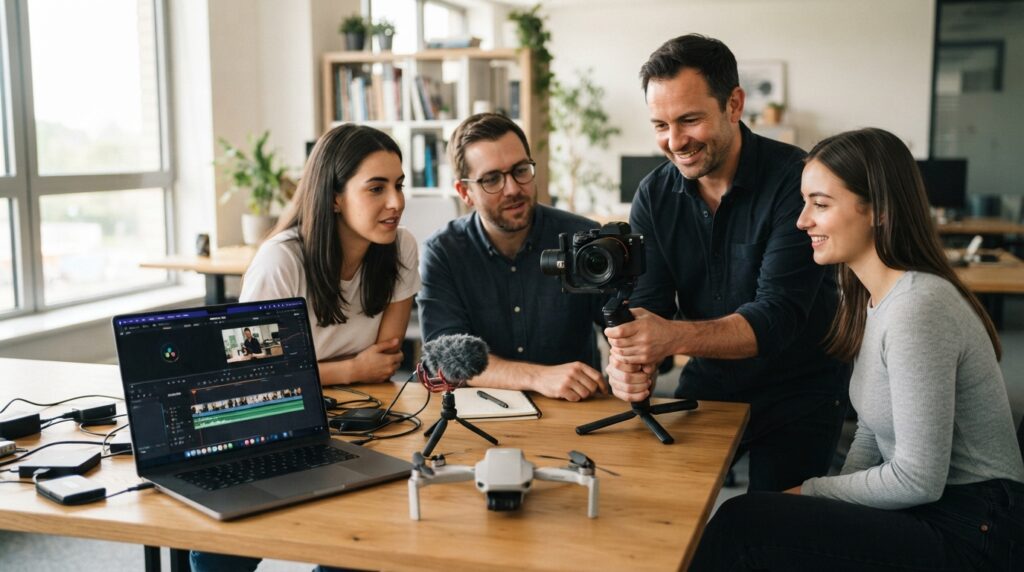
Have you ever thought about how raw footage becomes a film that people enjoy watching? It all begins with having the right skills. Practical Video Production Training in London can teach you scripting, filming, lighting, sound, and editing in a hands-on way. Video Mastery provides practical courses for people at all levels—both novices and professionals. Professional teachers will come to your place of work to teach classes that have been custom-tailored to suit you. These classes will cover filming with phones, cameras, and drones. You may even be able to learn how to edit videos in Premiere Pro or DaVinci Resolve. In this article, we discuss the skills that will enable you to shoot cinematic videos.
Basics of Scripting and Storytelling
All great films begin with the written word. Scriptwriting helps ensure that your production is on track and will make things easy for you in the future. Storytelling skills will definitely help provide your audience with an incentive to participate. You get to know how to brainstorm ideas and craft dialogue. Storyboarding helps you see each frame before even shooting. Effective and concise pre-production planning avoids costly reshoots. All this is learned in a practical manner through a one-day seminar. It doesn’t matter if you are an absolute novice; you can easily convert your idea into something organized and creative.
- Define your idea and target audience.
- Write natural, easy-to-speak dialogue.
- Sketch a simple storyboard before filming.
Cinematic Visuals Through Lighting Techniques
Light turns an average scene into something dramatic. Soft lighting is fabulous for facial lighting, but hard lighting creates an element of drama. You learn how to set up lights and shape shadows. You also learn to control color so every frame looks professional. Window lighting works as well. The two-day video lighting course at Video Mastery will teach you these techniques. The instructors come to your place of work, so you get trained in the same environment where you shoot. Classes remain intimate, with just four students per class.
- Soft and hard light sources
- Simple three-point lighting setups
- Shaping natural window light
Operating the Camera and Composing Shots
Excellent footage depends entirely on the way that you manage your camera. Complete Videography Training involves elements like settings, focusing, exposure, and motion. You will get hands-on practice working with actual cameras, irrespective of the type of camera you have. These could include Canon, Sony, RED, Blackmagic, or even ARRI. It is at this point that art becomes a part of videography. Shot composition guides the viewer’s eye and sets the tone of the scene. Wide shots give context, while close-ups convey emotions. As a result, you walk away with skills for your very next shoot.
Audio Recording and Sound Design
Soft focus is okay in audiences’ minds, but poor sound is unacceptable. Great sound adds credibility to your video project. You learn how to choose the right microphones and place them well. This keeps echo and background noise out of your recordings. On-location recording requires careful listening and can be easier with experience. Sound design then adds music, sound effects, and ambience for better mood. You also learn how to adjust sound levels and eliminate hiss from it in post-production. All of this is covered in a separate module.
Video Editing and Color Grading
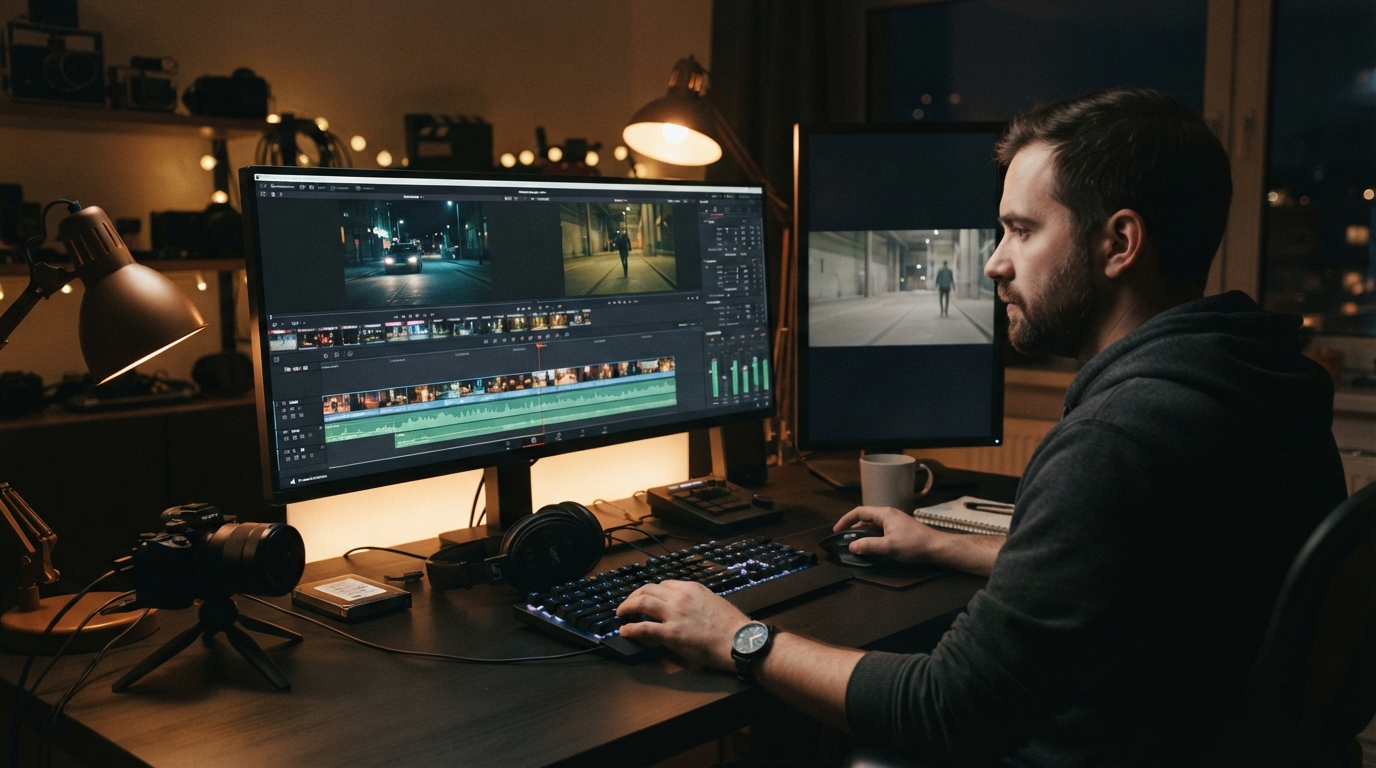
The editing process is when all the random pieces become a narrative. Solid Editing Training is where you will learn how to structure your files, edit rhythmically, and keep things exciting. You will work on Adobe Premiere Pro and DaVinci Resolve. Both programs are widely used in the industry. Colour correction fixes shots that do not match. Grading then gives your project its own unique style. Everything comes together during the final stage—from titles to music. All of the classes will be taught by experienced tutors, one of whom is a BAFTA award-winning editor.
- Cutting for rhythm and pace
- Color correction and grading
- Exporting for web and social media
Skills for Filming with Drones and Gimbals
Smooth movement is what makes videos lively. As you move around, rotate, or track something, the gimbal maintains the stability of the camera. The drone offers broad overhead images that ground cameras cannot capture. Both techniques demand practice; therefore, practical days are preferred. Pre-flight, you are taught how to fly safely, plan, handle batteries, and observe general safety tips. Practical days for gimbals are aimed at maintaining balance and smooth movement. Together with proper framing, the shots add size and action to events, property tours, and branding films. A few tricks can transform regular footage into movie-like material.
Conclusion
A great film is created in layers. Scripting provides its direction. Camera work and lighting define its visual style. Clear sound builds trust, while smart editing brings it all together. Drones and gimbals add that final element of motion. Choosing to undertake Practical Video Production Training in London means that you get to learn everything through hands-on training. Video Mastery offers practical video training through competent trainers who will enable you to practice using your own equipment. Start small, stay inquisitive, and continue shooting videos. You will end up creating memorable films out of raw videos.
Follow Video Mastery on Facebook for more practical video production tips and training updates.
FAQS
- Is there a need for previous experience before joining a video class?
No. Classes for beginners start at the basic level. If you have any experience, then advanced classes on how to film, light, or grade color will be available to you.
- How long does the training last?
Training sessions last from a half-day to five days. The shorter ones concentrate on just one aspect, while the longer ones cover the whole process from script to editing.
- Can I get training on how to professionally film on my phone?
Yes. As long as you set the parameters right, the film will look professional. A smartphone class will teach you about sound and basic editing too.
- Which editing software will be taught?
Adobe Premiere Pro and DaVinci Resolve are two editing tools that are most often used in editing classes.
- Are the classes conducted at my place of work?
Yes. The trainers visit your workplace and conduct classes based on the equipment that is available at your workplace. Only four people attend the class.