
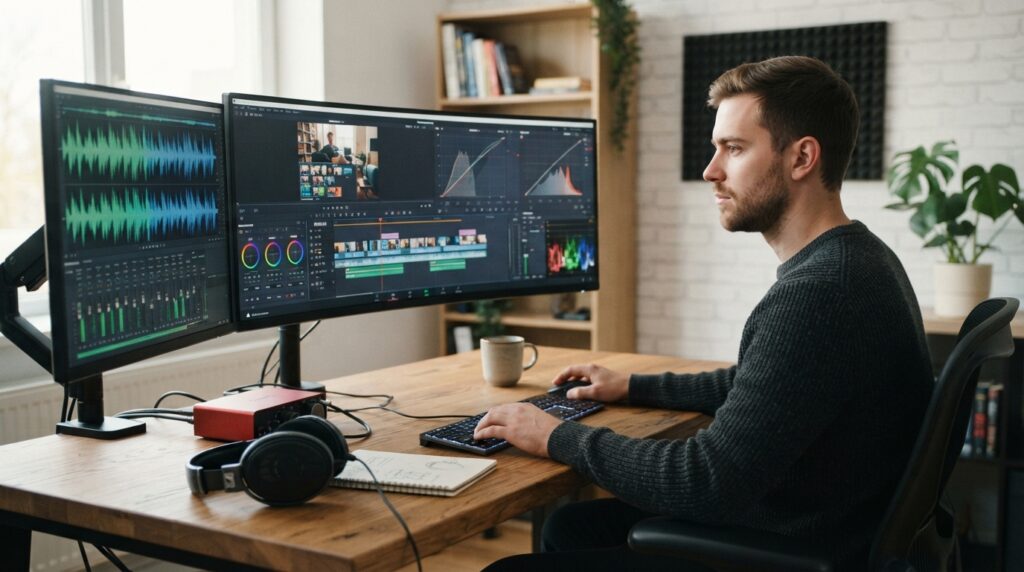
What methods would help you ensure that your films look professional, interesting, and entertaining? Average videos can be turned into high-quality ones with the help of good editing skills. This keeps viewers interested in the scenes. It also creates a smooth flow throughout the video.Video Editing Training helps beginners and professionals improve their skills. They learn colour grading and sound editing techniques. At the same time, one gets to learn how to make smooth and efficient transitions in this course. This will help the students enhance their skills in making videos and make each shot look good.
Comprehending Expert Video Editing
Comprehending the content and storyline is the very first condition for doing professional video editing. First of all, watch the video and select the shots that will appear in your video. For the sake of continuity, organize the shots in a proper sequence. Cut the segments that seem redundant and make the flow difficult in the content. Creating content using the software applications DaVinci Resolve and Adobe Premiere Pro is an easy task. An expert could go for the hard route, while a beginner could take the easy way out.
Essential editing skills include:
- Sorting clips into organized folders.
- Selecting suitable shots for each scene.
- Arranging footage to support the story.
Using Color Grading to Improve Video Quality
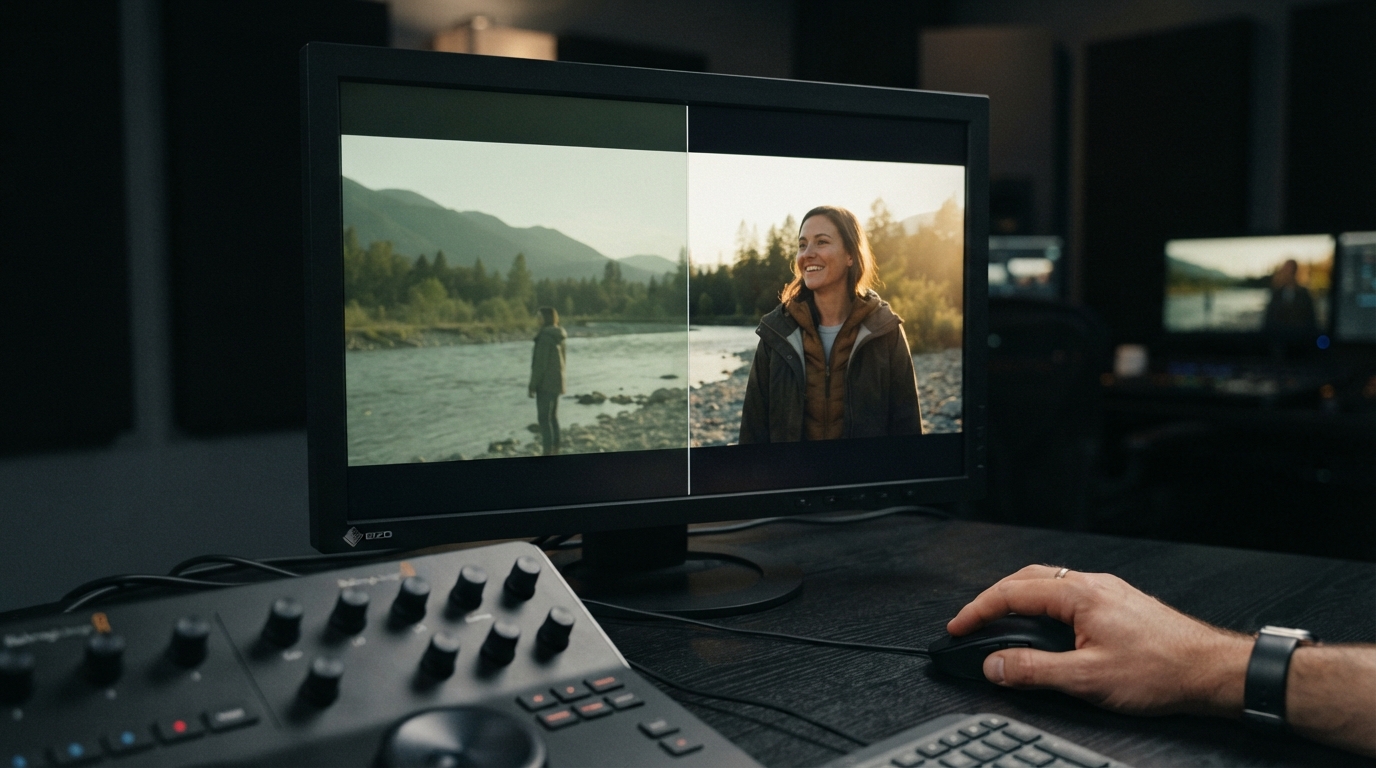
Color grading will assist you in creating the proper mood and give a balanced look to your film. First, start with the white balance, brightness, and exposure settings. After that, adjust saturation and contrast to achieve natural-looking pictures. Balanced images are important in many cases, particularly in the case of varied lighting during filming. Those students who want to take Editing Courses in London may find some options. These courses should include hands-on colour correction exercises. DaVinci Resolve has good grading features, including curves and a color wheel. Premiere Pro also has useful adjustment tools.
Useful colour adjustment methods include:
- Correcting exposure and white balance.
- Balancing contrast and saturation.
- Applying suitable colour tones.
Using Sound Editing to Improve Audio
It becomes quite easy to listen to and watch content that has been recorded with good-quality sound. First, determine whether there are any echoes, background noises, and inconsistent conversations. Use appropriate software to make sure that you clean your recordings of the noise. Ensure that there is an even volume. This will allow people to listen to voices despite the background music. Compression helps maintain consistent sound levels. Training on the use of Adobe Audition is offered by Video Mastery to help the students understand these techniques.
Important audio techniques include:
- Removing unwanted recording noise.
- Balancing dialogue with background music.
- Using equalization to improve voice clarity.
Establishing Visual Flow and Smooth Transitions
Transitions connect shots together while creating a natural feel in scene changes as well. Fades help introduce new scenes or end a sequence. Cuts work better for fast action scenes. Dissolves are useful for showing the passage of time. Decorative transitions will distract viewers, so use them sparingly. Keyframes, visual timing, and transition controls can be taught to students in a Video Production Course. There are various ways to modify movement between clips in Premiere Pro. Developing these techniques aids artists in keeping a steady pace.
Common transition styles include:
- Using direct cuts between scenes.
- Applying fades and dissolves.
- Adjusting movement through keyframes.
Using Visual Effects and Editing Software
The editors can make use of the creative tools to insert headlines, animation, and other graphic effects. The clips can be arranged, effects added, and captions created using the software program called Adobe Premiere Pro. DaVinci Resolve incorporates the use of Fusion tools together with timeline controls for compositing. Motion graphics, animation, and layering are some of the features supported by the software program Adobe After Effects. All programs have their own creative use. It is important that before moving on to complex features, the basics of the interface should be known.
Popular applications include:
- Adobe Premiere Pro for timeline work.
- DaVinci Resolve for advanced compositing.
- Adobe After Effects for animated graphics.
Video Exporting for Various Platforms
Project prepping for its destination is the final task in this process. Choose the right resolution, frame rate, and file format before rendering the video. The settings required vary depending on whether the video is intended for your company website, YouTube, or Instagram. Before saving the video, check if the image and sound quality are appropriate. In case you have huge files, compression will be required to conserve space. DaVinci and Premiere Pro offer export options to meet different requirements. You can also identify problems such as gaps or dropped frames while playing back the file.
Before final delivery, check:
- Resolution and aspect ratio.
- Frame rate and file format.
- Sound clarity and playback quality.
Conclusion
It takes more than just quality footage to create professional videos. When editing is done correctly, all the components come together, and the content becomes more interesting. While quality audio makes each message simpler to grasp, color grading enhances the visual look. A natural viewing experience is also preserved via seamless transitions. Both novice and seasoned artists can enhance their creative skills by learning these methods. Working with contemporary editing tools and software is made easier with the help of Editing Training. Video Mastery offers hands-on learning opportunities to help students build confidence and improve their skills.
Follow us on Pinterest for practical video editing tips and training ideas.
FAQS
- Which abilities are needed for video editing?
The process comprises operations such as trimming the footage, color grading, sound editing, and applying transitions.
- Which video editing program is the best one?
Such programs as After Effects, DaVinci Resolve, and Adobe Premiere Pro are available.
- Why is color grading important?
This is due to the fact that it helps to create the needed atmosphere.
- How can beginners learn how to edit videos?
This is because of the presence of useful tips that beginners can follow.
- Why is audio editing crucial?
Because it allows removing unnecessary noise from the video.